
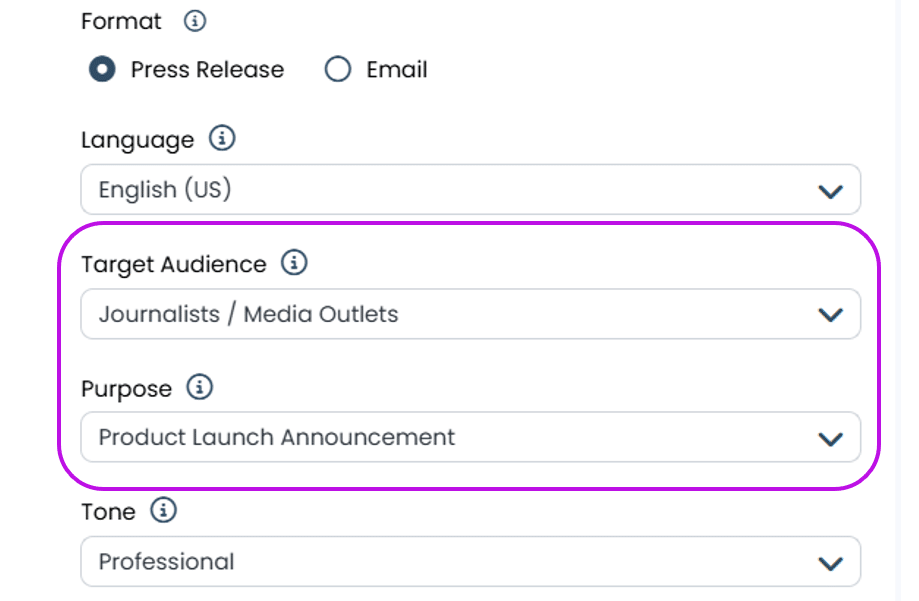
Inform PR CoPilot of your Target Audience and Purpose for AI-Enhanced Media Outreach
PR CoPilot streamlines drafting press releases and media outreach, using easy prompts for your preferred key narratives, tone and format. You can now also specify your target audience and purpose when setting your preferences for creating drafts, allowing PR Co Pilot to create even better informed content for you to review and send to your targeted media contacts. You can choose from a range of options, or specify your own target audience and purpose, and PR Co Pilot will draft your content accordingly.
New Canvas design options for adding images and generating PDFs
Agility recently launched a new kind of media briefing feature – Canvas. The new format allows you to share your media coverage in an interactive shareable report which includes AI-powered analysis and insights alongside your media mentions. You can create a Canvas in less than a minute.
This month we have added the following features to Canvas:
- Hand-select images from your media coverage and add them to your Canvas design layout to make your media briefing instantly visually compelling to your audience.
- Customize the PDF output of your Canvas, selecting whether to include all coverage or present a one-page highlights version.
Key Canvas features
-
Super-quick to generate
-
Auto-populates your briefing with media coverage, reporting charts, and analysis
-
AI-generated analysis summarises every aspect of your media presence, and explains the impact on your brand
-
Detail-rich components allow you to the share context of your coverage
-
Highly-customisable
-
Fully shareable and interactive for any stakeholders
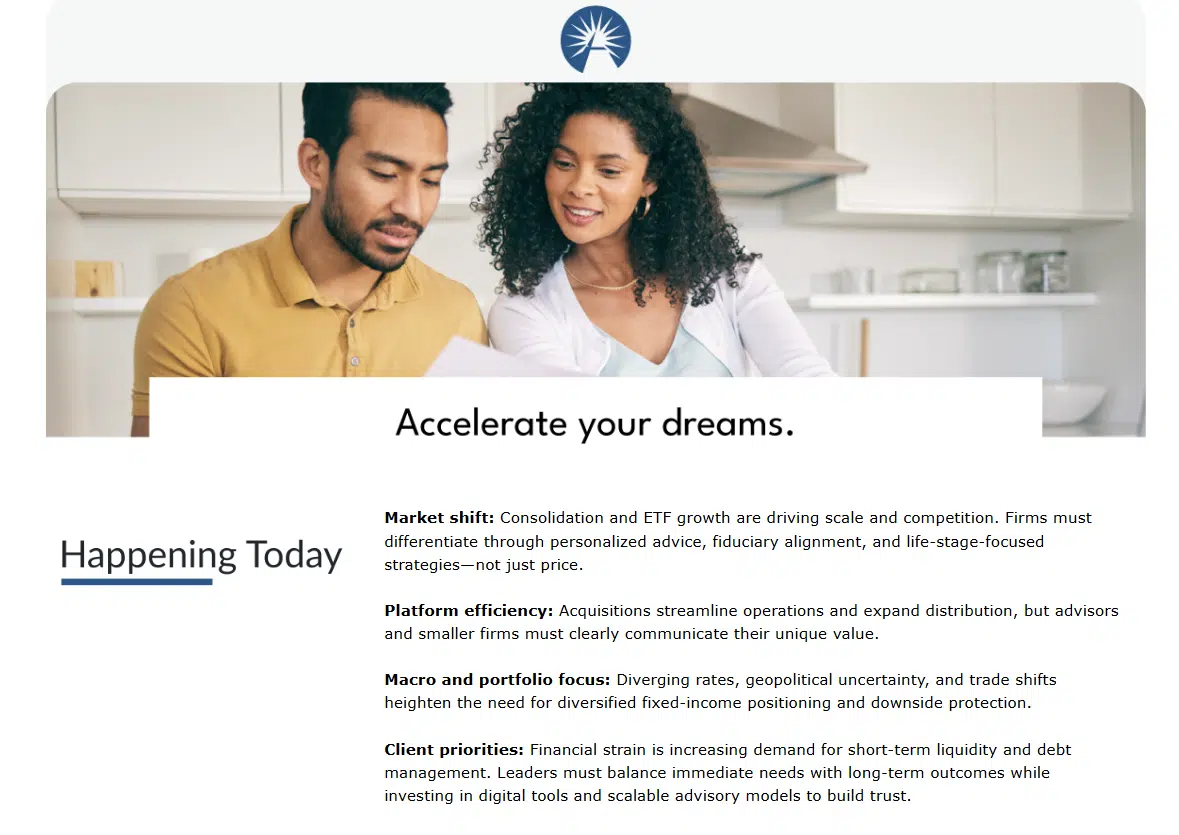
Canvas briefings are highly customisable and can include AI-genrated analysis and summaries of your media coverage
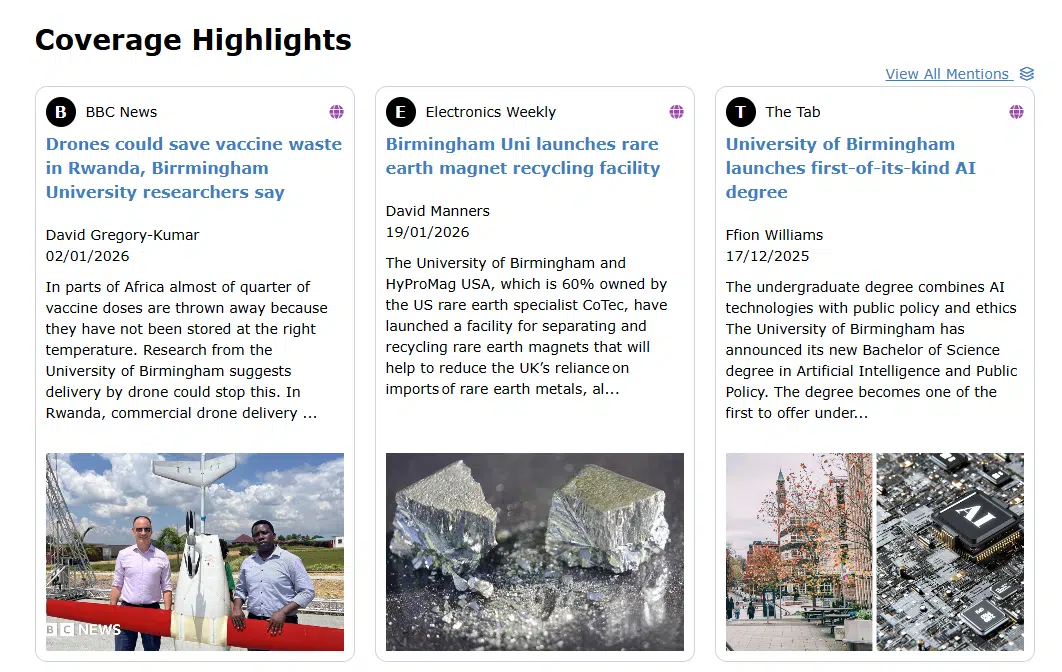
Display your coverage highlights in a compelling and attractive format