

PR and marketing teams often have strong decks. The challenge is turning them into concise videos people will finish, share, or forward.
This hands-on ranking assesses seven PPTX-to-video converters for workflow, narration, branding, exports, pricing, and trade-offs.
Key Takeaways
- Synthesia is my top pick for narrated, on-brand, multilingual video. It imports PPTX files, can use speaker notes for narration, and exports MP4.
- Microsoft PowerPoint offers the most direct export. It creates MP4 or WMV files without requiring a third-party upload.
- iSpring Suite is the fidelity pick. It preserves PowerPoint effects that may be flattened by browser-based tools.
- Camtasia suits polished narrated demos. Its timeline provides more control over recordings, callouts, captions, and edits.
- Visme and Canva work well for redesigns, while VEED suits captioned social clips. These tools are useful when conversion is only one part of the job.
How I tested
Layout fidelity. I imported the same 18-slide PR deck and checked fonts, logos, charts, alignment, and animations.
Export and narration. I compared video workflows, voiceover, recorded narration, speaker-note support, timings, resolution, and formats.
Speed, branding, collaboration, and pricing. I assessed MP4 production steps, brand controls, review workflows, and plan tiers.
1. Synthesia
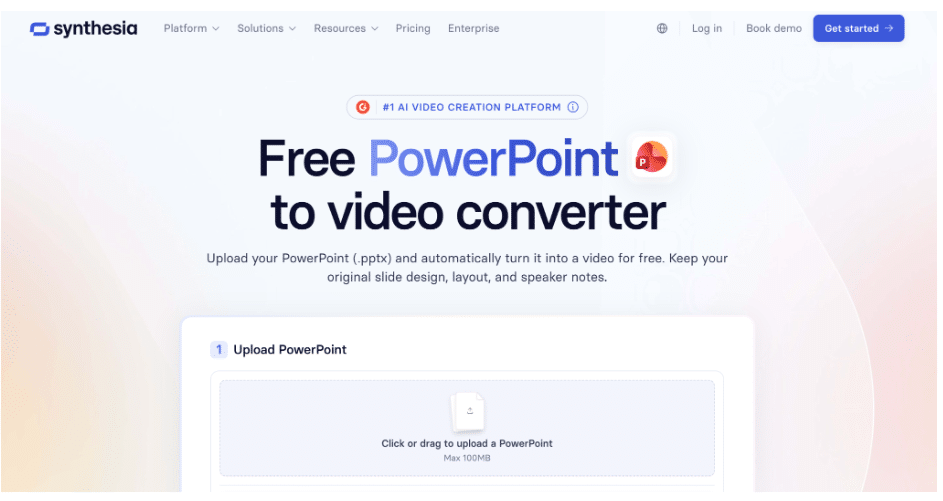
Synthesia pros
- Imports PPTX files and converts slides into editable video scenes
- Can turn PowerPoint speaker notes into video narration
- Exports completed projects as MP4 video files
- Provides stock voices across more than 160 languages and accents
- Offers optional AI presenters without requiring a video shoot
- Browser-based editing supports straightforward reviews and team handoffs
Synthesia cons
- There is a short learning curve beyond basic file conversion
- PowerPoint animations and transitions do not transfer one for one
- Higher usage and some capabilities require a paid tier
My experience with Synthesia
Synthesia stood out because it treated my speaker notes as useful source material. I imported the quarterly PR deck, turned the notes into narration, added an on-brand presenter, and exported an MP4 using Synthesia’s PowerPoint to video converter. The process felt closer to adapting a presentation than rebuilding it in a conventional editor.
Slides arrived as editable scenes, which made cleanup manageable. I merged two dense slides, shortened notes that sounded wordy when read aloud, and tested different stock voices to find suitable pacing. One animation-heavy slide needed to become two scenes because its original builds did not carry across intact.
The multilingual workflow is especially useful for recurring PR campaigns. Stock voices spanning more than 140 languages and accents let a team create regional versions without arranging a separate recording session for every language. That makes Synthesia the option I would build around for regular stakeholder updates and multi-market campaign recaps.
Synthesia pricing
Synthesia provides a free option for testing the workflow, alongside paid self-serve and enterprise tiers. The free tier is a practical way to see how your own slides behave after import, but it does not include every capability or the same usage allowances as paid plans.
Teams producing videos regularly can compare paid tiers based on required features and output volume. Check the current Synthesia pricing page before choosing a plan, since access and usage limits can differ by tier.
2. Microsoft PowerPoint
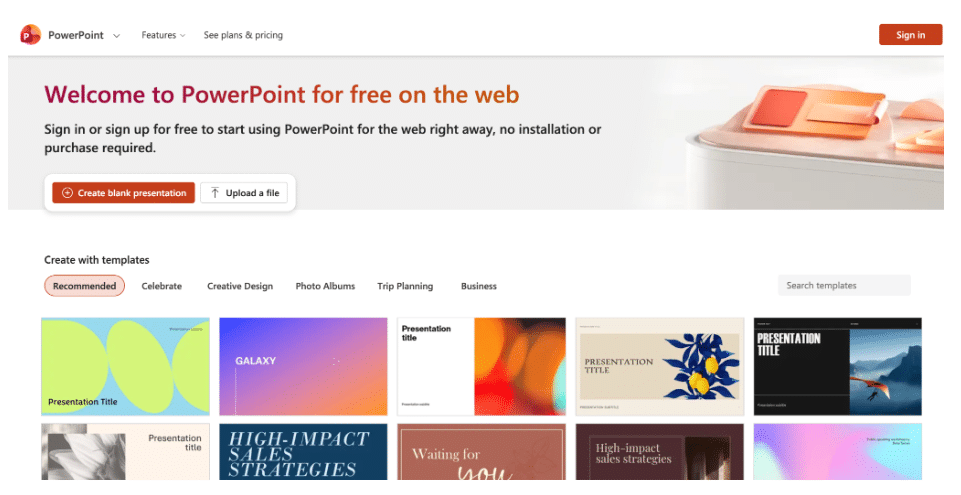
PowerPoint pros
- Built-in File > Export > Create a Video workflow
- Exports MP4 or WMV without a third-party upload
- Offers resolution choices from 480p through Ultra HD
- Can retain recorded timings and narration
PowerPoint cons
- Uses uniform slide timing when narration has not been recorded
- Does not generate an AI voiceover, presenter, or captions
- Post-export changes require another render
My experience with PowerPoint
For a confidential internal update, PowerPoint remains a sensible first stop. The export takes only a few steps, avoids another platform, and can retain narration and timings recorded in the deck. Without those timings, however, the result feels more like an automated slideshow than an edited video.
PowerPoint pricing
Video export is included with a compatible Microsoft 365 or PowerPoint licence. There is no separate conversion fee, although the underlying software is not free for every user.
3. iSpring Suite

iSpring Suite pros
- Converts PowerPoint to MP4 while preserving PowerPoint effects
- Works as an add-in within the familiar PowerPoint interface
- Provides clear duration and quality controls
- Does not require a third-party browser editor for conversion
iSpring Suite cons
- Its desktop workflow is focused on Windows users
- A commercial licence is required after the trial
- Interactive elements do not remain interactive in a flat MP4
My experience with iSpring Suite
iSpring is the option I would choose when animation carries part of the message. A phased timeline retained its step-by-step builds better here than in tools that flattened the slide. Because publishing happens from the PowerPoint ribbon, the workflow should also feel familiar to colleagues who do not want to learn a full video editor.
iSpring Suite pricing
iSpring sells Suite through subscription tiers and offers a trial. Editions and seat options vary, so confirm current terms on the vendor’s pricing page.
4. TechSmith Camtasia
Camtasia pros
- Records a presentation or imports slides into the editor
- Provides timeline tools for trims, callouts, zooms, and captions
- Exports completed projects as MP4 video
- Supports talking-head introductions alongside slide content
Camtasia cons
- Requires more production steps than a basic converter
- The editor takes time to learn
My experience with Camtasia
Camtasia was most useful when the presentation needed a human introduction. I recorded a short webcam segment, imported the slides, and cut between the presenter and charts. Correcting a stumbled line was easier than recording the whole presentation again.
Camtasia pricing
Camtasia is sold through subscription tiers, with options that can vary for individual, business, and education customers. A trial is available for evaluating the workflow.
5. Visme
Visme pros
- Imports PPTX files and exports presentations as MP4
- Includes presenter recording
- Provides templates, animations, and brand controls
Visme cons
- Video exports have a documented duration limit
- Cloud processing may not suit sensitive embargoed material
My experience with Visme
Visme made restyling part of the workflow. Its templates helped me adapt a projector-focused press deck for a phone screen before video export. Presenter recording added context without a separate editor.
Visme pricing
Visme has free and paid tiers, but MP4 and several other download formats require an eligible paid plan. Check the current download options before subscribing.
6. Canva
Canva pros
- Converts imported presentations to MP4 through a familiar editor
- Supports recorded and generated voiceover workflows
- Offers templates and resizing tools for social formats
Canva cons
- Complex PowerPoint animations may not translate cleanly
- Brand and AI feature access varies by plan
My experience with Canva
Canva was convenient because many marketing teams already use it for campaign assets. Uploading the deck, adding narration, and downloading an MP4 fit into one editing session. I did need to rebuild two complex slide animations with Canva’s own tools after they arrived flattened.
Canva pricing
Canva offers free and paid tiers, with additional brand and AI tools on eligible plans. Qualifying nonprofits can apply for expanded access, while regional pricing and plan details vary.
7. VEED
VEED pros
- Can generate a draft script, voiceover, and subtitles
- Exports MP4 directly from the browser
- Includes screen and webcam recording
- Supports captioned videos for sound-off social viewing
VEED cons
- Does not preserve complex PowerPoint animations faithfully
- Advanced export and AI features require a paid plan
My experience with VEED
VEED provided a quick route from a deck to a captioned social clip. Its generated script was a workable starting point, but I rewrote generic phrases before using it for a media briefing. Automatically generated subtitles saved time when preparing versions for sound-off feeds.
VEED pricing
VEED offers a free tier and paid plans with additional export and AI capabilities. Review its current plan page for resolution, usage, and export conditions.
Conclusion
After testing the same PR deck across all seven workflows, Synthesia is my top pick for most PR and marketing teams. Its PPTX import, speaker-note narration, editable scenes, MP4 output, presenters, and multilingual voices support repeatable production.
PowerPoint is the practical runner-up for occasional internal exports. Choose iSpring Suite to retain PowerPoint effects, Camtasia for detailed editing and camera segments, Visme or Canva for visual redesigns, and VEED for captioned social videos.
For recurring narrated updates and multi-market campaigns, Synthesia offers the strongest overall fit.