
As per the latest reports from Google, the company processes and sees more than 5 trillion search queries annually; the average number is 9.5 million searches per minute. If you have tried searching for a local business or service, the chances are higher that you may have come across the Google Maps Local 3-pack.
That is because those businesses are listed with Google My Business (commonly known as Google Business).
This free tool allows businesses to create and optimize their online presence on Google Search and Maps by applying local SEO strategies. and embracing a broader Search Everywhere Optimization approach that ensures visibility across multiple search touchpoints.

A good position on Google Maps, especially in the making, makes more people believe in a business. Are you a business owner who wants to know how to rank higher on Google Maps? Then, this blog is just for you, with proper techniques you should not miss.
Claim and Verify Your Google Business Profile
Do you know that GMB listings boost local search visibility by 37% on average compared to unclaimed listings? So, if you already have a Google My Business profile but have not verified it, you are losing potential scope. Then, you must claim and verify to get full management access to your Google listing. This can help you to enhance your profile’s local search position. Just follow these easy steps:
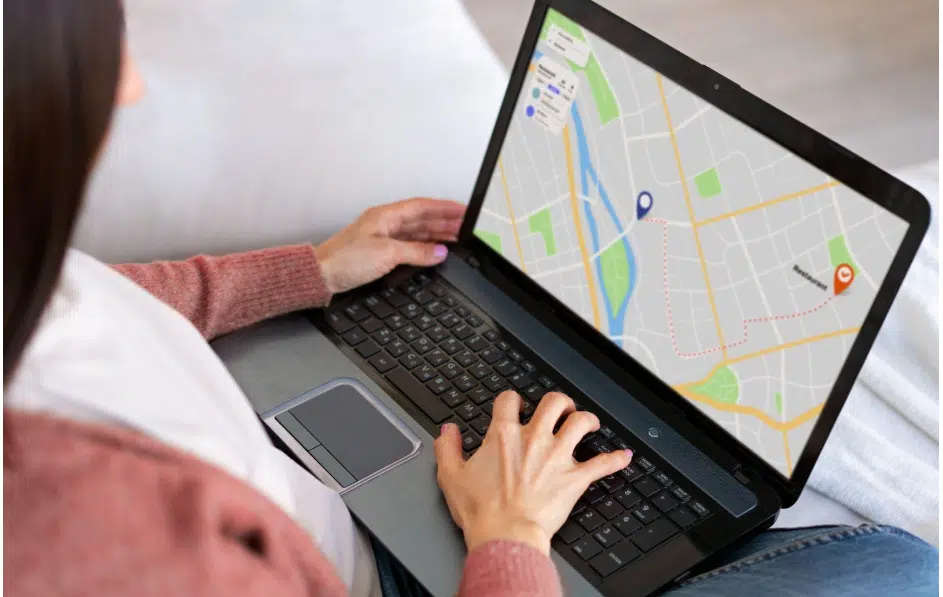
- Open Google Maps and navigate it through desktop or mobile
- Search for your business.
- Enter your business name in the Google My Business Platform’s search bar.
- Choose your listing
- Now, as the next step after finding your right listing, click on the option “Claim this business” or “Manage now.”
- Now, select a verification method.
- Choose from the verification options that match your needs, such as SMS, phone call verification, or standard postcard delivery.
- Complete verification
- And now, fill in the verification code and complete the verification provided by Google.
The verification process allows you to modify different business aspects and increases trust and recognition among future and existing customers through the local search results.
Choose the Right Business Categories
As you apply Google SEO to dominate Google Map rankings, it is necessary to choose the right business categories that allow users to understand what your business offers. However, you may miss potential customers if you don’t pick the right categories.
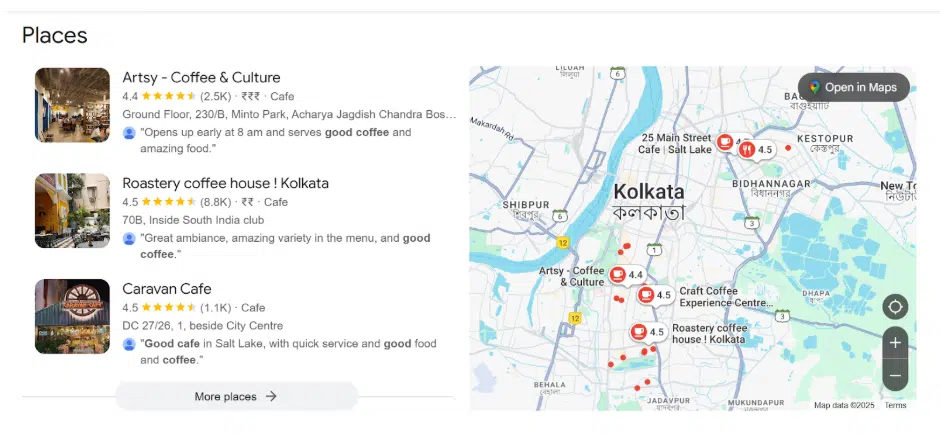
Remember that the primary GBP category should match your core business. For example, if you own a bakery shop, choose the “Bakery Shop” category rather than just “Restaurant.” Then, add secondary categories such as “Cafe” or “Bakery” if you sell patties or pastries.
As per stats, almost 48% of “local intent” searches assuredly lead to a GMB interaction within 24 hours, so adding the right category matters.
However, if you are not sure how to choose and which categories to choose from, keep these points in mind:
- Start with Google’s official category list
- Be specific but relevant.
- Don’t overdo it
If you are still not sure, consider and compare it with your competitor’s profile and under which category their business is listed. If you check the Google My Business SEO checklist, using a Chrome extension such as GMB can help you check the categories of other businesses’ profiles.
Complete Every Section of Your Profile
Google SEO always recommends completing every step of your Google Business Profile. Completing this helps Google to rank your business higher in local search results. Also, you can successfully increase the potential to get more customers and convince them to take action when they find your profile.
Here are some guidelines and aspects to follow in the right manner:
- Proper Name
- Business Address
- Phone Number
- Business Website (consider front-end development services to ensure fast, mobile-optimized pages that boost local rankings and user trust)
- Operating Hours
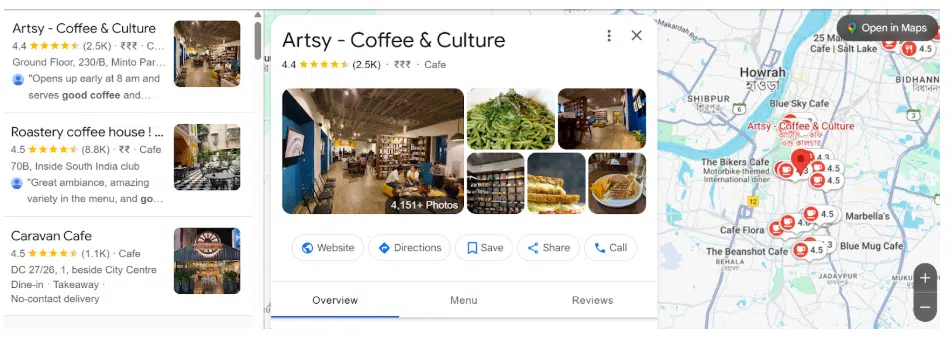
Some other sections are:
- Category and Attributes
- Products and services your business offers
- From the business
- Questions and answers (Owner-generated queries to provide relevant information to consumers)
An average Google My Business Profile listing receives about 1,260 views per month, with approximately 56% of those views originating from discovery searches. So, as your prime objective is to know how to rank higher on Google Maps, some ongoing sections that need proper activities too are:
- Frequent Posts
- Reviews from users, as 90% of marketers believe reviews directly impact local rankings.
- Questions and answers (Consumer-generated and replies from business)
Use High-Quality Media to Boost Engagement
As you want to practice Google SEO to dominate Google Maps Rankings with local SEO strategies, using high-quality media is an effective method to try out. Pictures have the potential to create realistic and trustworthy appearances that not only boost engagement but also bring potential customers. uses 149 factors to determine local rankings, and using high-quality media is one of them. However, here are some effective Google Business Profile optimization tips that you may follow:
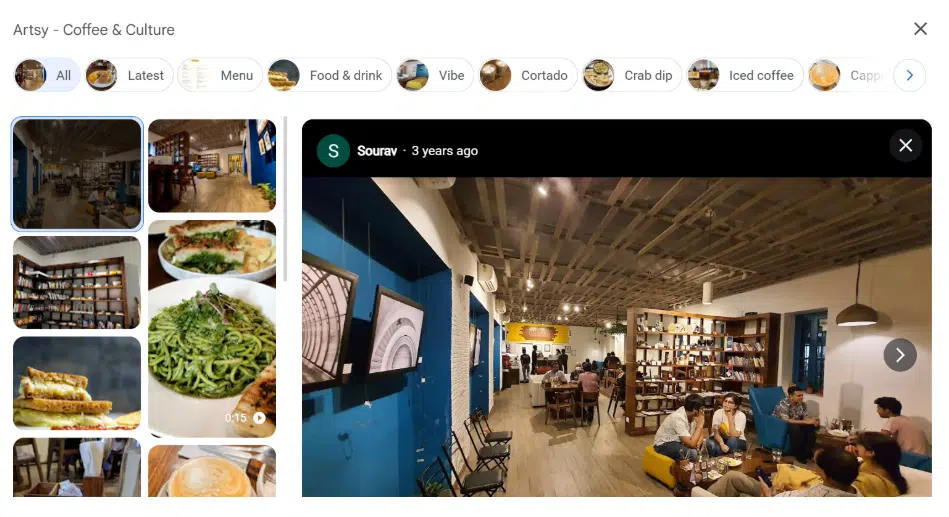
- Image Naming: Use easy, descriptive, and natural file names like “bakery-cafe-shop-design.jpg”—this helps with better image optimization for SEO and GBP.
- Formats & Sizes: Upload an image with a file size between 10KB and 5MB, as well as JPG or PNG files with a resolution of 720px.
- Frequency: Keep the business photos fresh and high-quality, letting customers acknowledge your current products, services, and facility appearance. Such sends active signals to the search engines that add value in gaining a better position.
As you are reading how to rank higher on Google Maps, you must apply the smart visual strategies that allow you to perform Google Maps photo optimization to make your business listing more engaging, leading to gaining more consumers.
Leverage Advanced GBP Features
The Google My Business SEO checklist shows that GMB contributes to approximately 19% of local SEO ranking factors. In this list, leveraging advanced GBP features such as messaging and Q&A is a smart yet effective way to strengthen your business profile ranking on Google Maps. Below, we are mentioning some effective techniques for doing that:
- Activate the messaging section for customer queries
- Use Q&A for pre-answering of some common customer queries.
- Keep an eye on and solve the user-generated Q&A
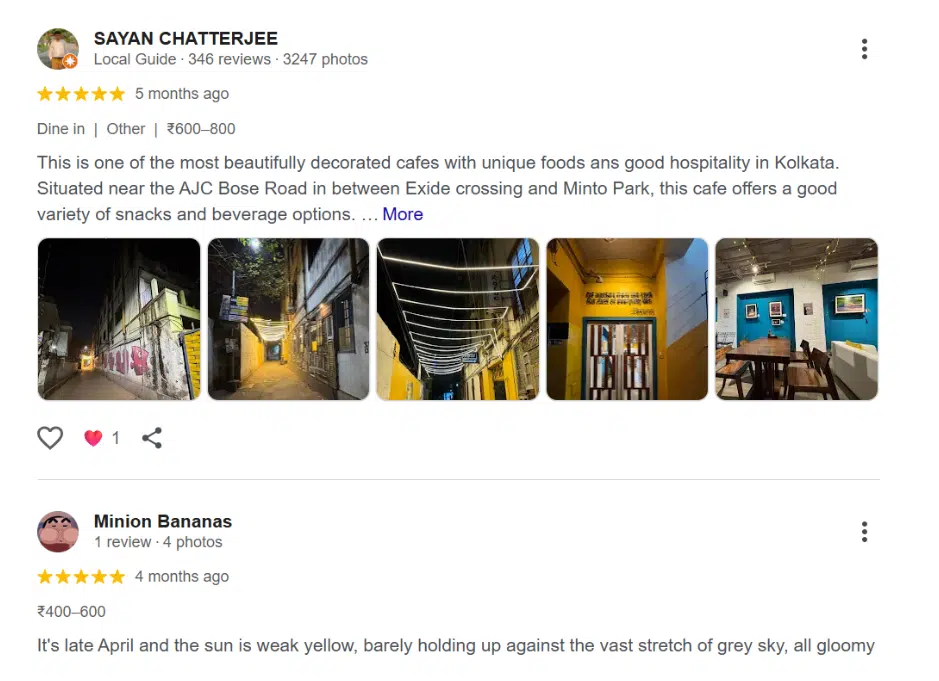
Smartly leverage the power of GMB messaging and Q&A, as this can make your business profile more engaging, trustworthy, and easy to find.
Monitor Performance with GBP Insights
Google Map SEO is not a process you perform and forget—rather, it’s a consistent method. So, monitoring performance and gathering GBP insights for proper optimization is necessary. Here, the Google Search Console can help to do that successfully. Regular monitoring or frequent monitoring using the tool can help you track where improvements are needed and what is working.
Here, we are mentioning some easy tracking methods that any Google My Business profile owner can manage:
- Check and gather insights for your business profile
- Monitor customer reviews and engagement.
- Track keyword rankings so that you can ensure the local searches
And, for deeper insights, some tools can help –
- Use Google Search Console and Google Analytics to help track website traffic and local searches.
- Use third-party SEO tools for competitor analysis and more detailed performance insights.
- Opt for A/B test optimizations to check the post types and keywords that drive more engagement. A business with keyword-rich GMB descriptions found almost 31% improvement in local pack visibility.
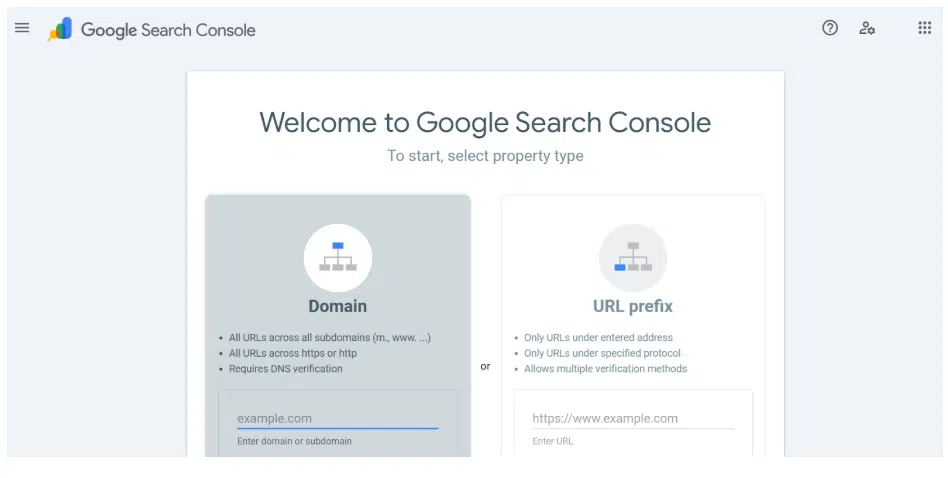
In the end, remember, when you are learning and applying the methods of how to rank higher on Google Maps, this is a consistent process. Through this, you have to analyze performance and make competitive approaches.
Conclusion
Using Google SEO and optimizing your Google My Business profile is not a one-time task to dominate ranking; you have to maintain consistency. With everything settled on GBP, applying effective strategies can help you create a strong position on Google with effective results. So, are you ready to dominate your Google My Business profile and Google Map ranking? Then, optimize the accurate local search Google Maps strategies and drive valuable results.